Grocery Store POS Software
Specialized POS for grocery stores and supermarkets with perishable tracking and bulk pricing
Complete Grocery Store Management
Designed specifically for grocery stores and supermarkets, our POS system handles perishables, bulk items, expiry dates, and supplier management. Everything you need to run a successful grocery business.
3-Day Free Trial • 45 Seconds Setup • No Credit Card
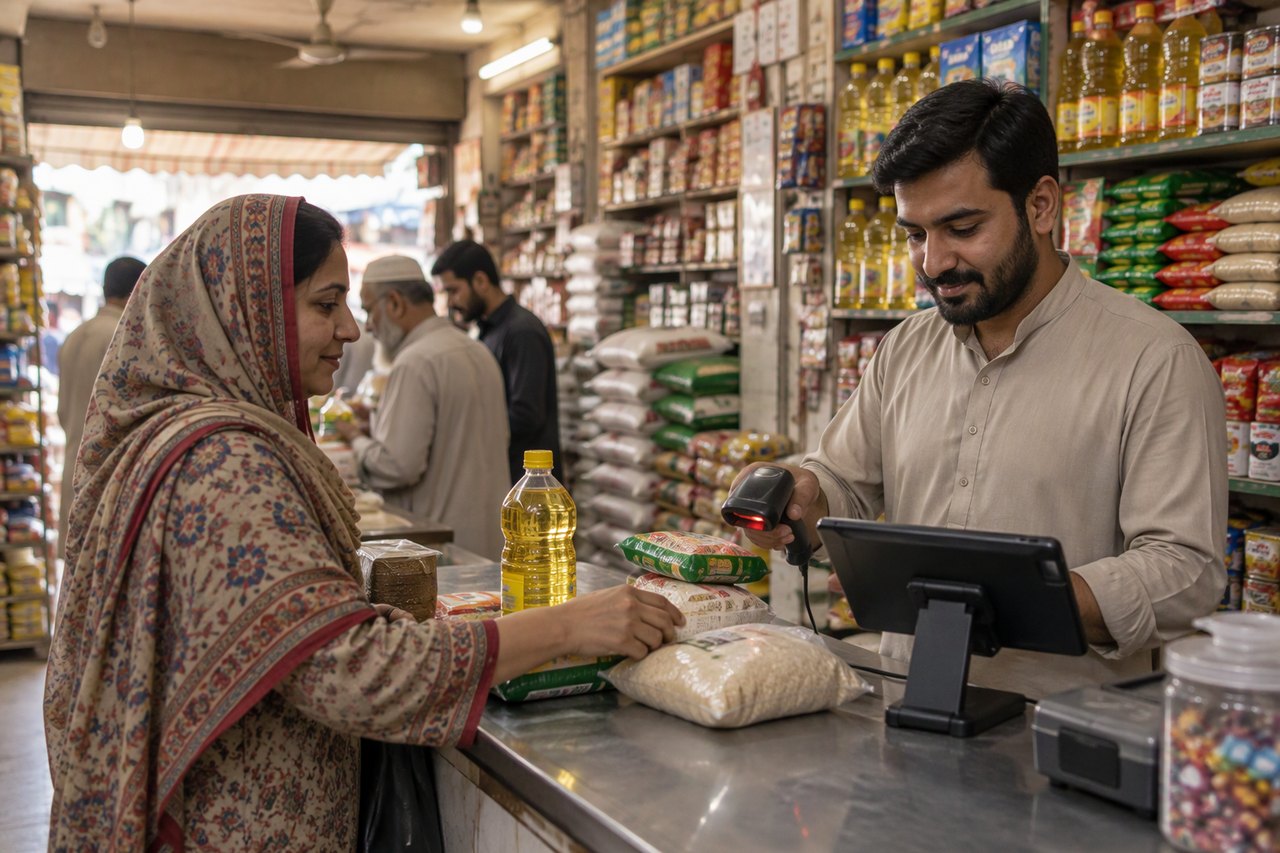
Grocery Store-Specific Features
Specialized features designed for grocery and supermarket operations
Expiry Date Tracking
Track expiry dates for perishable items. Get alerts before items expire and manage stock rotation.
Perishable Management
Special tracking for fruits, vegetables, dairy, meat, and other perishable items with expiry alerts.
Bulk Pricing
Set different prices for bulk purchases, bundle deals, and quantity discounts for wholesale customers.
Supplier Management
Manage multiple suppliers, track purchase history, compare prices, and manage supplier payments.
Barcode Scanning
Fast barcode scanning for quick checkout. Support for product barcodes and custom labeling.
Category Management
Organize products by categories - produce, dairy, meat, bakery, frozen, and more for easy management.
Why Grocery Stores Choose Our POS
-
Reduce Food Waste
Track expiry dates and manage stock rotation to minimize waste. Get alerts before items expire.
-
Bulk Sales Support
Handle both retail and wholesale customers. Set different pricing tiers and quantity discounts.
-
Supplier Integration
Manage multiple suppliers, track purchase orders, and automate reordering based on stock levels.
-
Fast Checkout
Quick barcode scanning and checkout for busy grocery stores. Handle long queues efficiently.
50% Less
Food Waste
40% Faster
Checkout Time
99% Accurate
Inventory Tracking
Perfect For All Grocery Businesses
Supermarkets
Complete management for large supermarkets and grocery chains
Grocery Stores
Full-featured POS for local grocery stores and markets
Farmers Markets
Fresh produce tracking and seasonal inventory management
Mini Markets
Compact solution for small grocery stores and convenience markets
Wholesale Grocery
Bulk pricing and wholesale management for grocery distributors
Grocery Chains
Multi-location management for grocery store chains
How Do Grocery Stores Keep Track of Inventory?
A well-run grocery store never counts stock by hand to know what it has. The POS records every movement, and the shelf count is only used to check it. Here is the cycle Sum Cloud POS runs for grocery stores, marts and supermarkets.
Receive against a purchase
Goods arrive against a supplier purchase entered in a fast grid: quantity in cartons or pieces, cost, batch and expiry. Stock and the supplier ledger update at once; an AI scan can read the supplier bill from a photo.
Deduct on every scan
Each barcode scan at the counter removes the item from stock in real time, so the system quantity is always current, across every counter and branch, and even when the sale was made offline.
Convert units automatically
Buy in 50 kg bags, sell by kilogram; buy by the crate, sell by dozen or piece. Multi-unit items convert to the base unit so loose and packed sales never break the count.
Watch minimum stock and expiry
A minimum quantity per item flags low stock in the low-stock report and the scheduled business report email, ready for the next purchase order. Batch and expiry tracking shows dairy, bread and medicines to discount, move or return before they are lost.
Audit with a barcode count
Walk the aisles with a scanner or phone, count what is on the shelf, and the audit shows the variance per item against the system. Post the adjustment and you have a shrinkage figure per aisle and per period.
Read the reports
Stock value, fast and slow movers, margin per item, purchase history, stock ledger per product and variant-level stock by branch. The AI assistant answers “what should I reorder this week?” in plain language.
Deeper reading: Inventory management software, Stock management, Purchase management, Barcode scanning POS.
Grocery Store POS: Frequently Asked Questions
Ready to Optimize Your Grocery Store?
Start your 3-day free trial today. No credit card required. Set up in just 45 seconds!
3-Day Free Trial • 45-Second Setup • No Credit Card Required