Multi-Branch Management
Manage multiple store locations from a single dashboard
Scale Your Business Across Multiple Locations
Whether you have two stores or two hundred, our Multi-Branch system gives you complete control over all locations from one central dashboard. Manage inventory, staff, sales, and reports across your entire network.
3-Day Free Trial • 45 Seconds Setup • No Credit Card
Multi-Branch Features
Everything you need to manage multiple locations efficiently
Centralized Dashboard
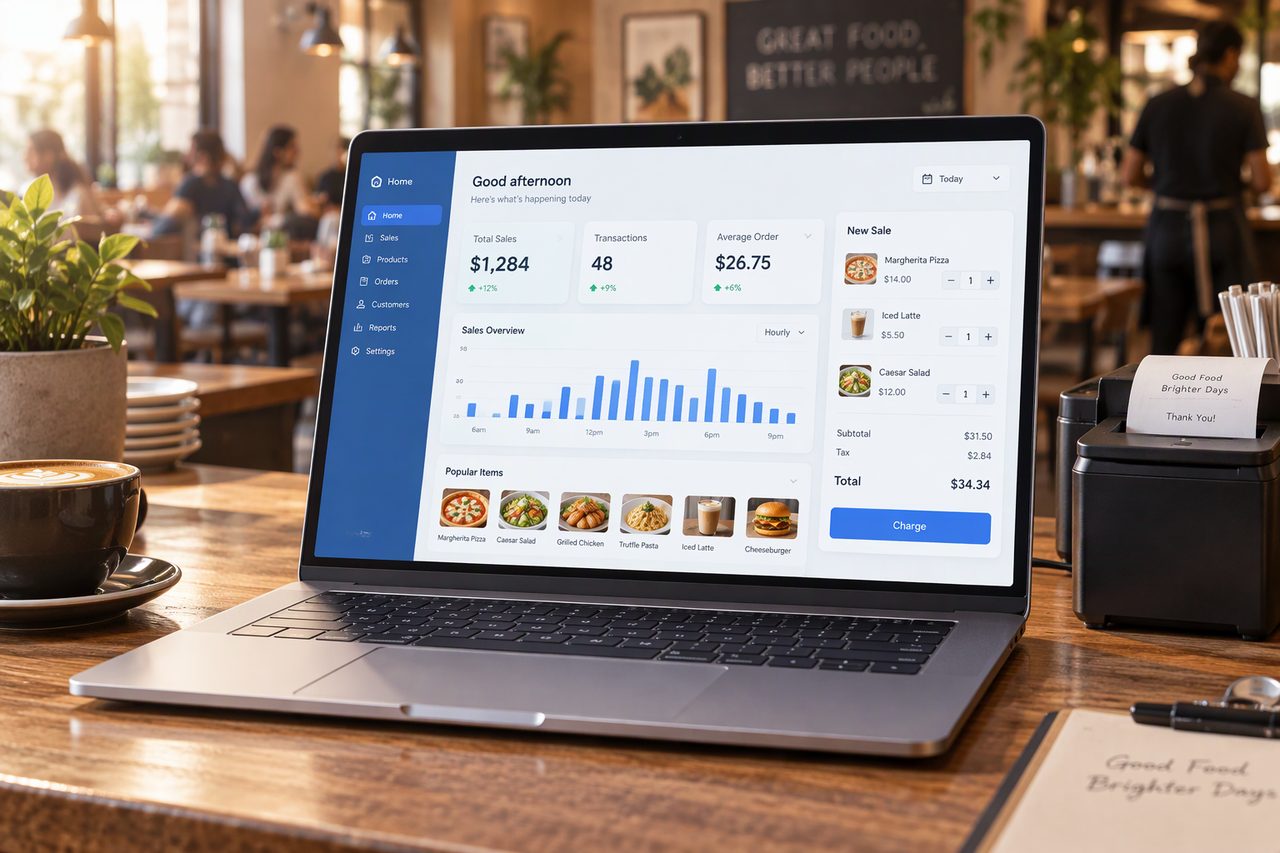
View all branches at a glance. Monitor performance, inventory, and sales from one place.
Learn moreBranch-Specific Reports
Generate reports for individual branches or consolidated reports across all locations.
Learn moreInter-Branch Transfers
Transfer inventory between branches with complete tracking and approval workflows.
Learn moreUnified Customer Database
Shared customer information across all branches. Loyalty points and purchase history synchronized.
Learn moreRole-Based Access
Control permissions per branch. Assign branch managers with appropriate access levels.
Learn moreConsolidated Financials
View combined financial reports or drill down into individual branch performance.
Learn moreCentralized Inventory
Manage inventory across all branches. Set stock levels and track movement.
Learn moreWhy Use Multi-Branch Management?
-
Unified Control
Manage pricing, promotions, and policies across all branches from one place.
-
Better Insights
Compare performance across branches. Identify top performers and improvement opportunities.
-
Efficient Inventory
Optimize stock distribution. Transfer items between branches to balance inventory.
-
Customer Experience
Customers can shop at any branch with access to their purchase history and loyalty benefits.
Unlimited
Branches Supported
Real-Time
Data Synchronization
100% Secure
Data Protection
Can I Manage Multiple Terminals Across Several Store Locations in One Dashboard?
Yes. Every store is a branch under one company account, every branch runs as many terminals as it needs, and the owner sees all of them, live, in one dashboard from a phone or laptop.
Unlimited terminals per store
Mix web terminals in a browser, the offline-first Windows desktop app, Android and iOS devices and the TableTime waiter app in the same store. Each terminal logs in as its own user with its own shift, printer and permissions.
- Per-cashier shifts and expected cash
- PIN-protected voids and refunds
- Add a counter for peak days in minutes
Every location, its own books
Each branch keeps its own stock, cash, staff and tax registration (FBR, PRA, SRB or KPRA) while sharing the company catalogue. Prices can be central or per branch, and stock moves between branches on a transfer document.
- Branch-level stock and reorder alerts
- Stock transfer with full trail
- Cash handover from branch to head office
One dashboard for all of it
Live sales by branch and cashier, consolidated and per-branch reports, open shifts, low stock, receivables and a scheduled daily, weekly or monthly business report email. The AI business assistant answers questions across every location.
- Branch filter on every report
- Owner mobile management app
- Roles limit managers to their own branch
See also: Franchise POS, Stock transfer, Windows desktop POS, Owner mobile app.
Multi-Branch POS: Frequently Asked Questions
Ready to Manage Multiple Branches?
Start your 3-day free trial today. No credit card required. Set up in just 45 seconds!
3-Day Free Trial • 45-Second Setup • No Credit Card Required