Table & Floor Management
Visual floor plan, table status, merge/split bills, assign waiters. Complete restaurant table management .
3-Day Free Trial · 45 Seconds Setup · No Credit Card
What Table & Floor Management does
See every table, its status and its bill on a visual floor plan, then merge, split or move tables in a tap. Waiters and cashiers always know which tables are free.
Restaurant Billing in Sum Cloud POS connects table & floor management with billing, inventory, customers and reports. A change made here is reflected everywhere, so there is no duplicate entry and no end-of-day reconciliation.
Key capabilities
- Visual floor plan by area
- Colour-coded table status
- Merge, split and move tables
- Assign tables to waiters
Sum Cloud POS runs in the browser on Windows, Android and iPad, keeps working offline, and syncs every terminal in your account. Role-based permissions control who can view or change table & floor management.
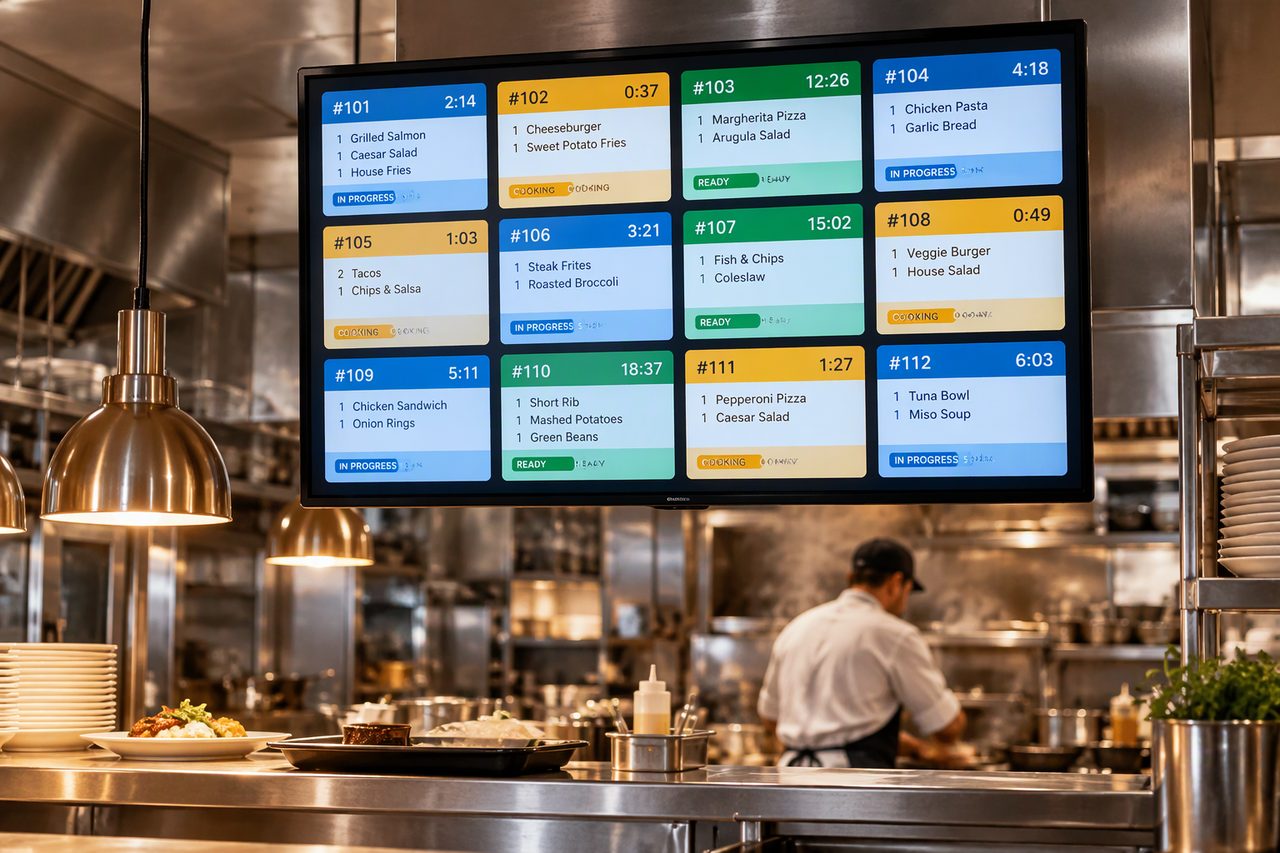
At a glance
- Cloud-based, no server to maintain
- Works offline and syncs automatically
- Desktop, tablet and mobile browser
- Role-based access and audit trail
How Table & Floor Management works
Three steps from opening the module to a synced record.
Open Restaurant Billing and choose Table & Floor Management.
Colour-coded table status
Confirm the action. The change flows to billing, stock and reports in real time.
Why teams use Table & Floor Management
Built for shops, restaurants and multi-branch businesses in Pakistan and beyond.
Merge, split and move tables
Assign tables to waiters
Runs offline and syncs automatically when the connection returns
Table & Floor Management FAQ
Short answers to the questions teams ask before switching on table & floor management.
Browse all featuresRelated Restaurant Billing features
Keep exploring the tools that work with table & floor management.
Try Table & Floor Management in Sum Cloud POS
Start a free trial, bring your products and see the difference in your first checkout.