Stock Reports
Generate comprehensive stock reports including stock levels, valuation, and movement history.
3-Day Free Trial · 45 Seconds Setup · No Credit Card
What Stock Reports does
Get stock levels, movement, valuation, aging and reorder reports in one place, ready to export or schedule.
Stock Management in Sum Cloud POS connects stock reports with billing, inventory, customers and reports. A change made here is reflected everywhere, so there is no duplicate entry and no end-of-day reconciliation.
Key capabilities
- Stock summary by branch
- Aging and slow-moving stock
- Movement and valuation reports
- Reorder suggestions
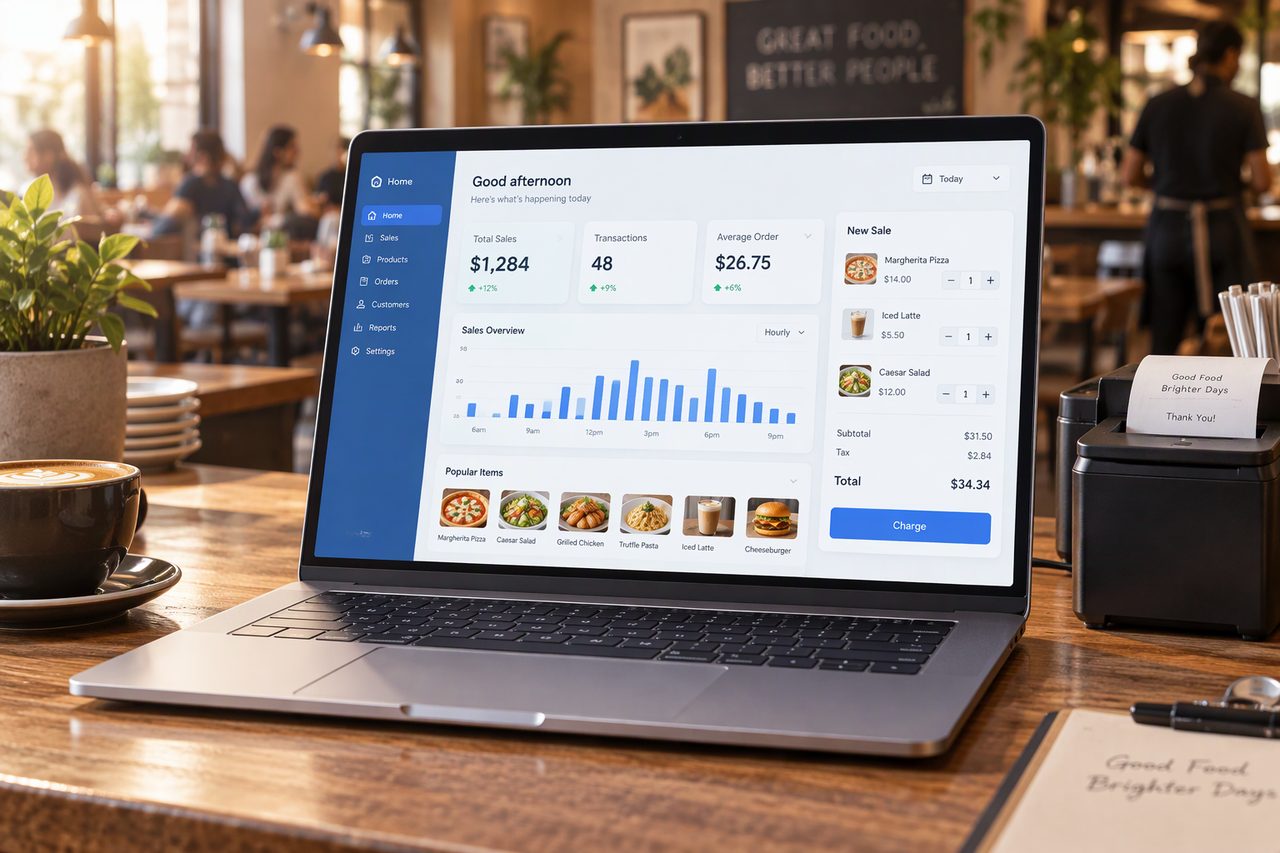
Sum Cloud POS runs in the browser on Windows, Android and iPad, keeps working offline, and syncs every terminal in your account. Role-based permissions control who can view or change stock reports.
At a glance
- Cloud-based, no server to maintain
- Works offline and syncs automatically
- Desktop, tablet and mobile browser
- Role-based access and audit trail
How Stock Reports works
Three steps from opening the module to a synced record.
Open Stock Management and choose Stock Reports.
Aging and slow-moving stock
Confirm the action. The change flows to billing, stock and reports in real time.
Why teams use Stock Reports
Built for shops, restaurants and multi-branch businesses in Pakistan and beyond.
Movement and valuation reports
Reorder suggestions
Runs offline and syncs automatically when the connection returns
Stock Reports FAQ
Short answers to the questions teams ask before switching on stock reports.
Browse all featuresRelated Stock Management features
Keep exploring the tools that work with stock reports.
Try Stock Reports in Sum Cloud POS
Start a free trial, bring your products and see the difference in your first checkout.