Client Profiles · History · Loyalty
Salon Client Management: Every Visit, Preference and Loyalty Point in One Profile
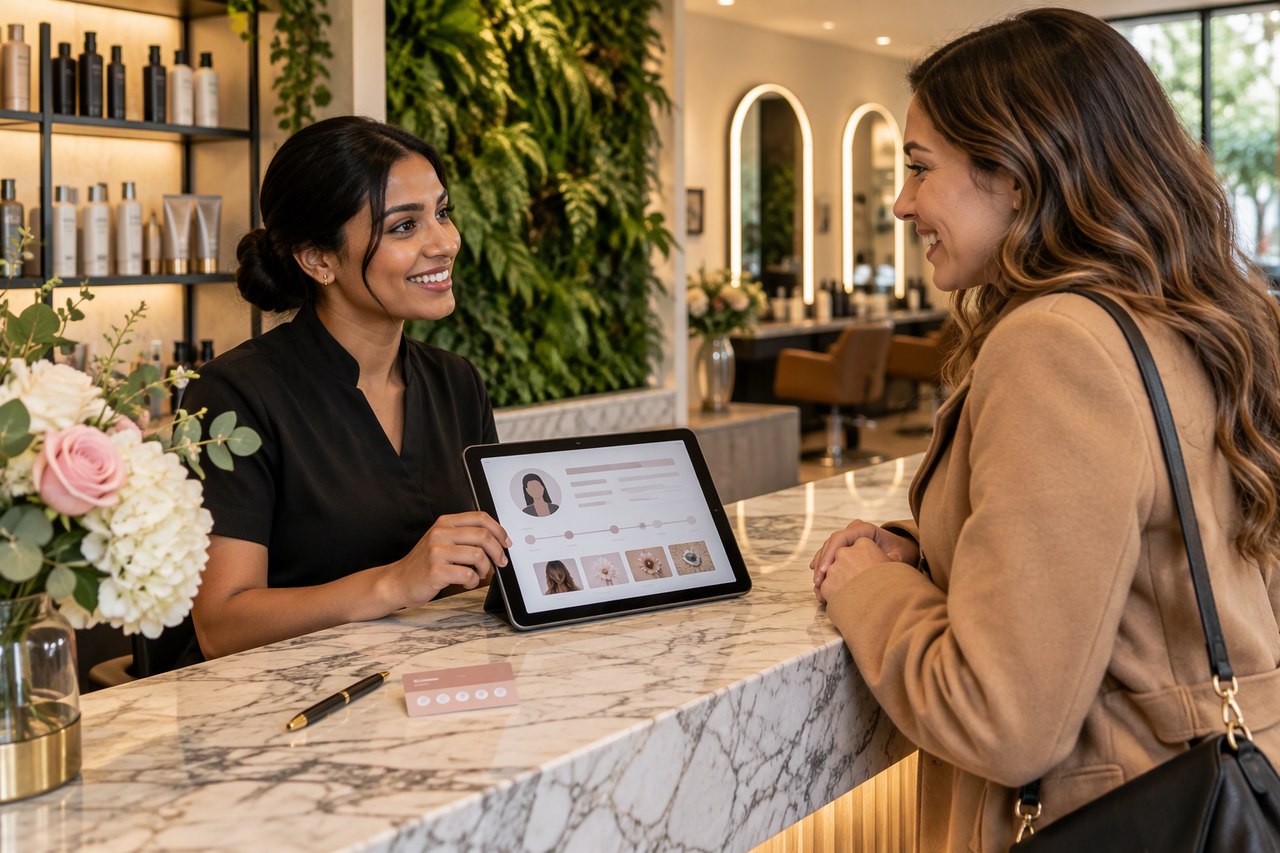
Great service is personal, but a salon cannot rely on a stylist remembering a colour formula from four months ago. Sum Cloud POS keeps each client's visits, services, products, notes, spend and loyalty balance together — visible at the booking desk, on the stylist's screen and in the mobile app.
Why it matters
The client remembers; the salon should too
A client who is asked the same questions every visit notices. A stylist who cannot see that a colour was mixed with a certain developer risks repeating a mistake. And a salon that cannot tell a first-time visitor from a regular cannot reward loyalty properly.
- One record, not four address books
The same client is linked to appointments, bills, packages, loyalty and messages — no duplicate profiles by phone number.
- Notes that help the next visit
Colour formulas, allergies, preferred stylist, language and service notes sit on the profile where they are useful.
- Loyalty that can be explained
Points are earned from real bills, redeemed with a rule and visible on the client profile, so nobody has to guess the balance.
- A reason to come back
Last visit, usual service and next appointment make follow-up and rebooking straightforward.
What is included
Built for the way salons and spas actually work
The module is part of Sum Cloud POS, so it shares the same clients, services, staff and fiscal invoices as the rest of the system.
A complete client profile
Name, phone, email, birthday, anniversary, preferred branch, preferred stylist, language and marketing consent in one record.
Service notes and colour formulas
Record the formula, developer, processing time, allergies and aftercare advice so any qualified stylist can repeat the result.
Visit and spend history
Every appointment and every bill in one timeline, with services, products, discounts, payments and the stylist who served the client.
New, returning and lapsed segments
See who is new, who returns regularly, who has not visited in months and who has an upcoming appointment; sort by spend, visits or last visit.
Loyalty points and tiers
Award points per amount spent, per visit or per service category. Set redemption rules, tiers and expiry, and show the balance at the till.
Memberships and prepaid balances
Track membership status, joining fees, prepaid wallet balance and expiry, and let the client use the balance across services and retail.
Reminders and follow-ups
Confirmation and reminder emails are linked to the client record; reception can see who has an upcoming visit and who needs a follow-up.
Duplicate protection and permissions
A phone number that already exists links to the existing profile instead of creating a duplicate. Staff see the client data they need, and sensitive notes can be restricted.
One client across branches
The profile follows the client between branches, while each branch sees its own appointment and sales history according to permission.
How it works
From first visit to loyal regular
The profile is built while the salon does normal work — no separate CRM data entry.
- Capture at booking — Search by phone first; if the client is new, save the name and phone from the booking wizard.
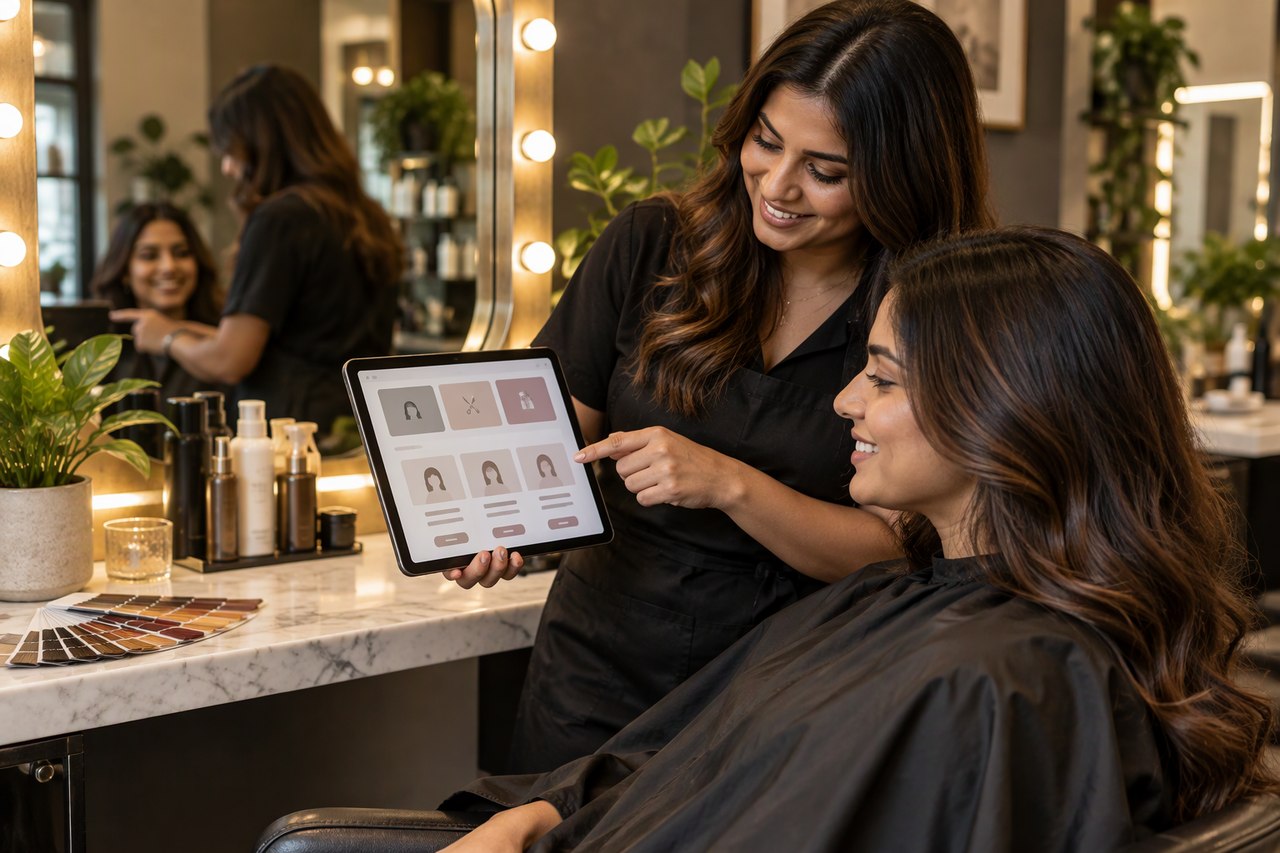
- Record during service — The stylist adds the formula and service notes to the appointment or client profile.
- Bill to the profile — Checkout links the sale to the client, updates spend, loyalty points and package balances, and prints the fiscal receipt.
- Follow up — See last visit and next appointment, then send a reminder or rebook the usual service.
- Reward loyalty — Redeem points or a membership benefit at checkout, with the balance and rule visible to reception.
Compliance
Client data and fiscal records, kept properly
Every bill linked to a client is also a fiscal record. Sum Cloud POS submits service invoices through PRA eIMS in Punjab, SRB in Sindh, KPRA in Khyber Pakhtunkhwa, goods invoices through FBR and Saudi invoices through ZATCA. Client contact data stays inside your business, is scoped by company and branch permissions, and is never part of the fiscal payload beyond what the authority requires.
PRA eIMS · SRB · KPRA · FBR · ZATCA integration is configured in Settings → Tax Integration. See the tax integration guide.
| Authority | Covers | Where |
|---|---|---|
| PRA | Sales tax on services | Punjab |
| SRB | Sales tax on services | Sindh |
| KPRA | Sales tax on services | Khyber Pakhtunkhwa |
| FBR | Sales tax on goods | Pakistan (federal) |
| ZATCA | VAT e-invoicing | Saudi Arabia |
Frequently asked questions
Salon & spa suite
Keep exploring the modules
Every module shares the same clients, staff, services and fiscal invoices — no separate systems to reconcile.
Get started
Run your salon on one connected system
Start a free trial, add your services and staff, and see how appointments, billing, inventory and commission fit together. Our team can set up PRA or SRB integration with you.
No credit card · Salon & spa modules · PRA, SRB, KPRA, FBR & ZATCA ready