Service Menu · Packages · Memberships
Salon Service Menu and Package Software for Salons, Spas and Clinics
A price list is not a service menu. A salon needs durations, buffers, the skills of each stylist, combos that make sense at the till, packages that can be redeemed over several visits and memberships that carry a balance. Sum Cloud POS keeps all of it in the same system that books the appointment and prints the receipt.
Why it matters
The menu is where billing goes wrong
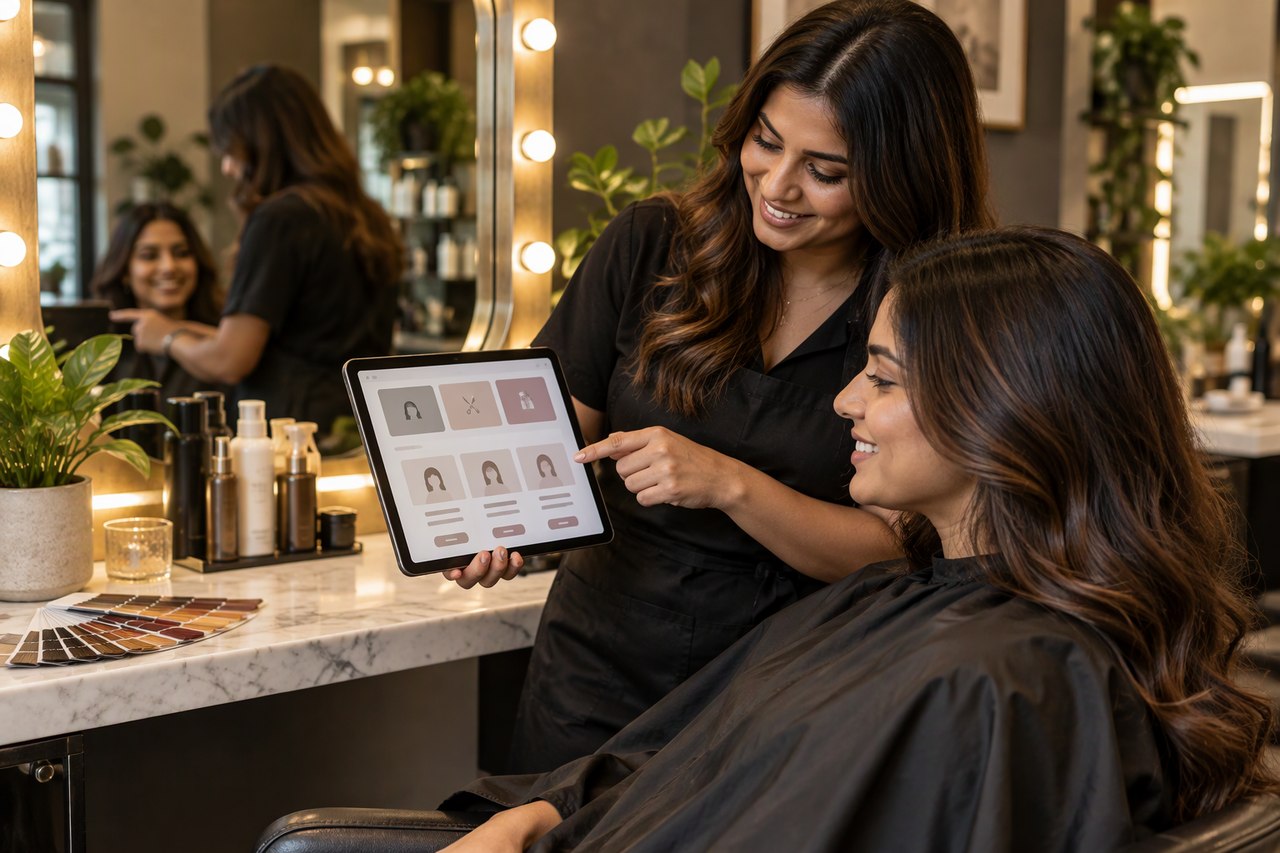
When the menu lives in a printed sheet, every new service needs a new price list, packages are calculated on a calculator, and the receptionist has to remember which stylist is qualified for a treatment. The result is inconsistent pricing and packages that cannot be audited.
- Durations drive the calendar
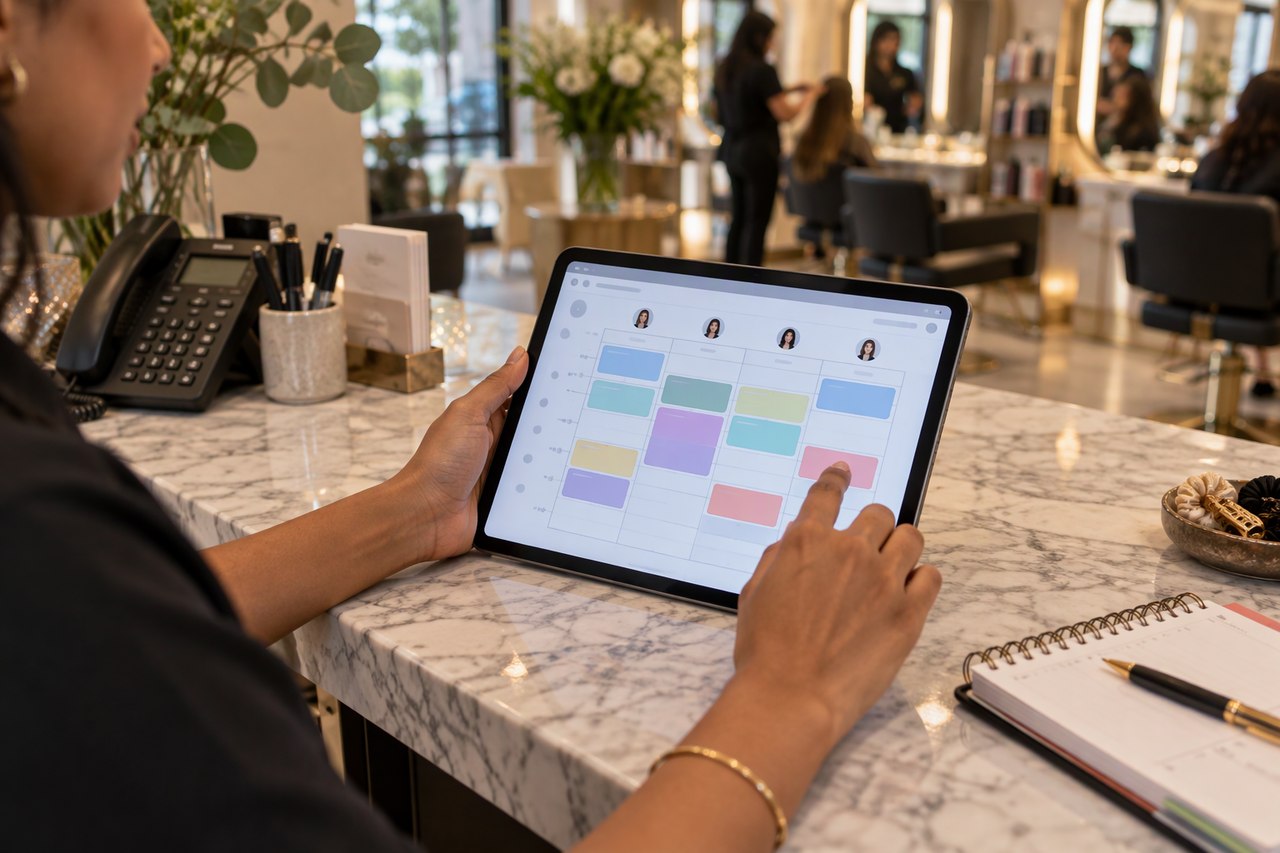
Every service carries its own duration and buffer, so booking a colour blocks the right amount of time without guesswork.
- Skills stop bad bookings
Mark which services each stylist can perform; the booking wizard only offers people who are qualified for the selected treatment.
- Packages need a balance
A package is a set of services sold together. The system tracks how many sessions remain and what was redeemed at each visit.
- Prices change by branch
Owners can keep a standard menu while a flagship branch overrides selected prices, without duplicating the whole list.
What is included
Built for the way salons and spas actually work
The module is part of Sum Cloud POS, so it shares the same clients, services, staff and fiscal invoices as the rest of the system.
Categories and a clean service menu
Group services into hair, colour, skin, nails, bridal, massage and more. Each service has a name, code, price, tax treatment, duration, buffer, colour and online visibility.
Duration and buffer per service
A 30-minute trim with a 10-minute cleanup blocks 40 minutes in the calendar. Durations flow into appointments, utilisation reports and staff workload.
Staff skills and bookable services
Choose the services each stylist or therapist can perform. The booking wizard and the POS only show qualified staff, and managers can override when needed.
Combos and bundle pricing
Bundle a haircut, colour and blow-dry into one package price, or a bridal preparation set spanning several services. The bill shows the bundle and the underlying lines.
Prepaid packages and session tracking
Sell a package of six facials or four visits. Each redemption reduces the remaining sessions, shows on the client profile and is invoiced according to your package rules.
Memberships and prepaid balances
Create membership plans with a joining fee or a prepaid wallet. Use the balance at checkout, track expiry and see outstanding balances by client.
Discounts without breaking the menu
Apply a service discount, a package price or a member rate without editing the base price. The receipt shows the original value, the discount and the net amount.
Branch-specific price overrides
Keep a central menu and override selected prices for a branch or a seasonal promotion. Reports still compare like for like across locations.
Menu and package performance
See which services sell, which packages redeem, which add-ons attach and where discounts erode margin, then adjust the menu with evidence.
How it works
Create the menu once, use it everywhere
The same service records feed the appointment calendar, the POS, the website and the reports.
- Add categories and services — Set price, tax treatment, duration, buffer and which staff can perform each service.
- Build packages and memberships — Group services into a package, set the validity and decide how sessions are redeemed.
- Book or sell — The calendar uses duration and skills; the POS uses price, tax and package balance.
- Redeem at the visit — A package redemption reduces the balance and keeps the bill linked to the original sale.
- Review performance — Track service mix, package uptake and discount impact before changing prices.
Compliance
Service tax on the right line, every time
Salon and spa services are services, so the invoice follows the provincial authority where you operate: PRA eIMS in Punjab and SRB in Sindh, with KPRA in Khyber Pakhtunkhwa. Retail products sold from the shelf follow FBR goods invoicing, and Saudi branches use ZATCA. The menu stores the tax treatment per service, so the cashier does not have to remember which rate applies. Package and membership sales are recorded with the correct service value and QR-coded fiscal receipt.
PRA eIMS · SRB · KPRA · FBR · ZATCA integration is configured in Settings → Tax Integration. See the tax integration guide.
| Authority | Covers | Where |
|---|---|---|
| PRA | Sales tax on services | Punjab |
| SRB | Sales tax on services | Sindh |
| KPRA | Sales tax on services | Khyber Pakhtunkhwa |
| FBR | Sales tax on goods | Pakistan (federal) |
| ZATCA | VAT e-invoicing | Saudi Arabia |
Frequently asked questions
Salon & spa suite
Keep exploring the modules
Every module shares the same clients, staff, services and fiscal invoices — no separate systems to reconcile.
Get started
Run your salon on one connected system
Start a free trial, add your services and staff, and see how appointments, billing, inventory and commission fit together. Our team can set up PRA or SRB integration with you.
No credit card · Salon & spa modules · PRA, SRB, KPRA, FBR & ZATCA ready