Retail Products · Back-Bar · Purchasing
Salon Retail and Back-Bar Inventory Without Spreadsheets
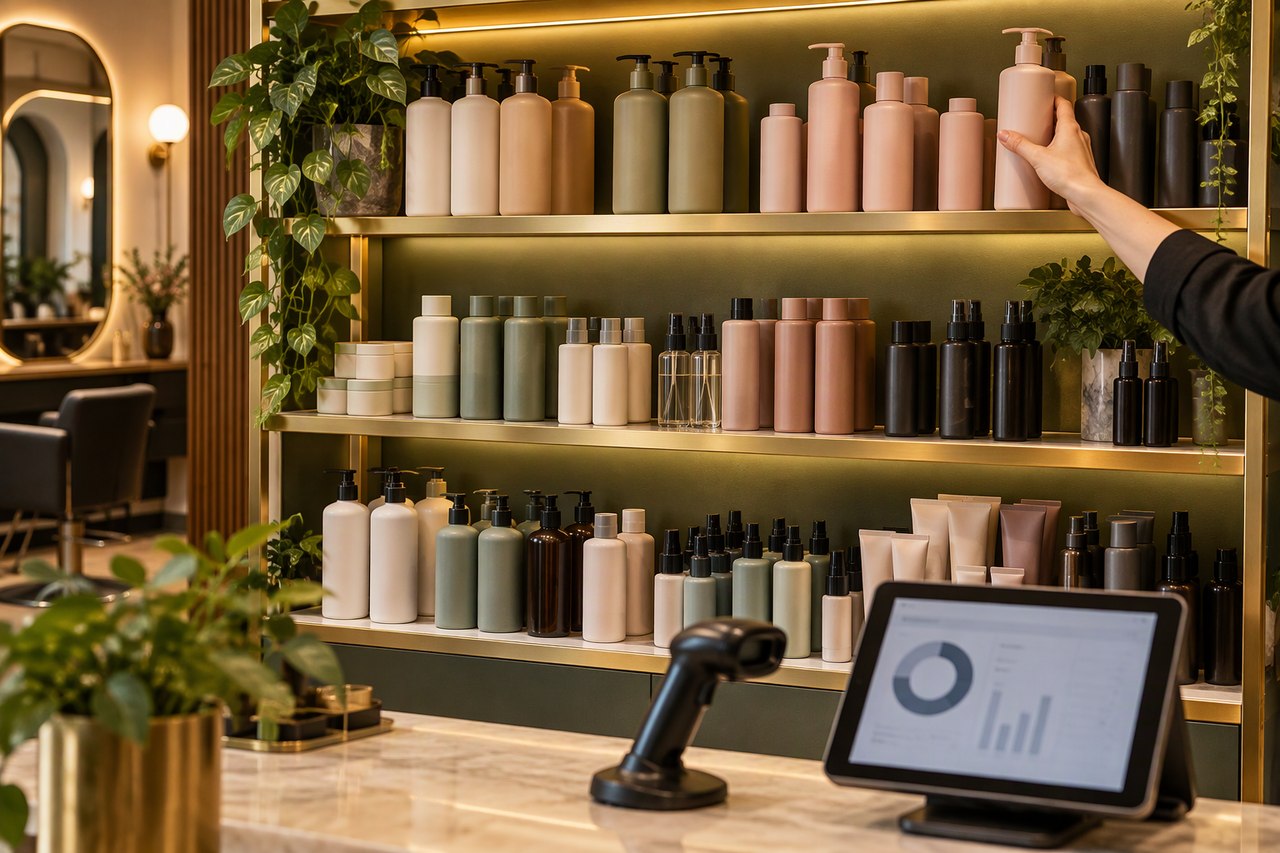
A salon sells shampoo from the shelf and uses another bottle at the basin. Both cost money, but only one is a retail sale. Sum Cloud POS separates retail stock from back-bar consumption, keeps branch quantities accurate and turns supplier bills into stock without a spreadsheet in between.
Why it matters
Where salon stock quietly disappears
Shampoo used at the basin, colour tubes opened for a single client and products sold from the shelf all leave the storeroom. If they are tracked as one number, the salon cannot tell the cost of a service from the profit on a retail sale.
- Two kinds of stock, two purposes
Retail items are sold to clients; back-bar items are consumed while performing services. The system keeps them separate.
- Stock is per branch
A bottle received in one branch should not appear in another. Transfers and stocktakes are recorded by location.
- Purchases update stock
A supplier bill for colour, shampoo and tools should create the stock, not just an expense.
- Low stock before the weekend
Reorder alerts and suggested purchase quantities help the salon prepare for its busiest days.
What is included
Built for the way salons and spas actually work
The module is part of Sum Cloud POS, so it shares the same clients, services, staff and fiscal invoices as the rest of the system.
Retail and back-bar item types
Mark each item as retail, back-bar or both. Retail sales reduce sellable stock; back-bar usage is recorded against services without creating a customer sale.
Barcode billing
Scan a product at the counter, attach it to the client's bill and print the itemised fiscal receipt. Barcodes can be generated for items that arrive without one.
Stock per branch and storeroom
See quantity by branch and storeroom, transfer between locations and keep a ledger of every movement.
Low-stock and reorder alerts
Set reorder levels per item and branch. The dashboard flags what is low before a busy weekend and suggests what to order.
Purchase orders and supplier bills
Raise a purchase order, receive it into stock and record the supplier bill. The AI vendor bill scan can read a photographed bill and prefill lines for review.
Back-bar consumption per service
Link products to services so a colour or treatment records the expected consumption, or post usage manually at the end of the day.
Stocktake and adjustments
Count a shelf or the whole storeroom, compare with system quantity and post an adjustment with a reason and an audit trail.
Transfers between branches
Send stock from head office to a branch or between locations; both sides see the movement and the in-transit quantity.
Stock value and usage reports
See stock value, fast and slow movers, retail margin, back-bar cost per service and shrinkage by branch.
How it works
From delivery to the basin to the shelf
One item record follows the product through purchasing, service use and retail sale.
- Create the item — Set type (retail, back-bar or both), barcode, cost, price, tax treatment and reorder level.
- Receive the delivery — Enter the supplier bill or scan it; stock increases in the receiving branch.
- Use at the basin — Record back-bar consumption against the service or at day end so service cost stays visible.
- Sell at the counter — Scan the product onto the bill, take payment and print the receipt; sellable stock reduces.
- Count and reorder — Stocktake, review low-stock alerts and raise the next purchase order.
Compliance
Retail goods and salon services, taxed correctly
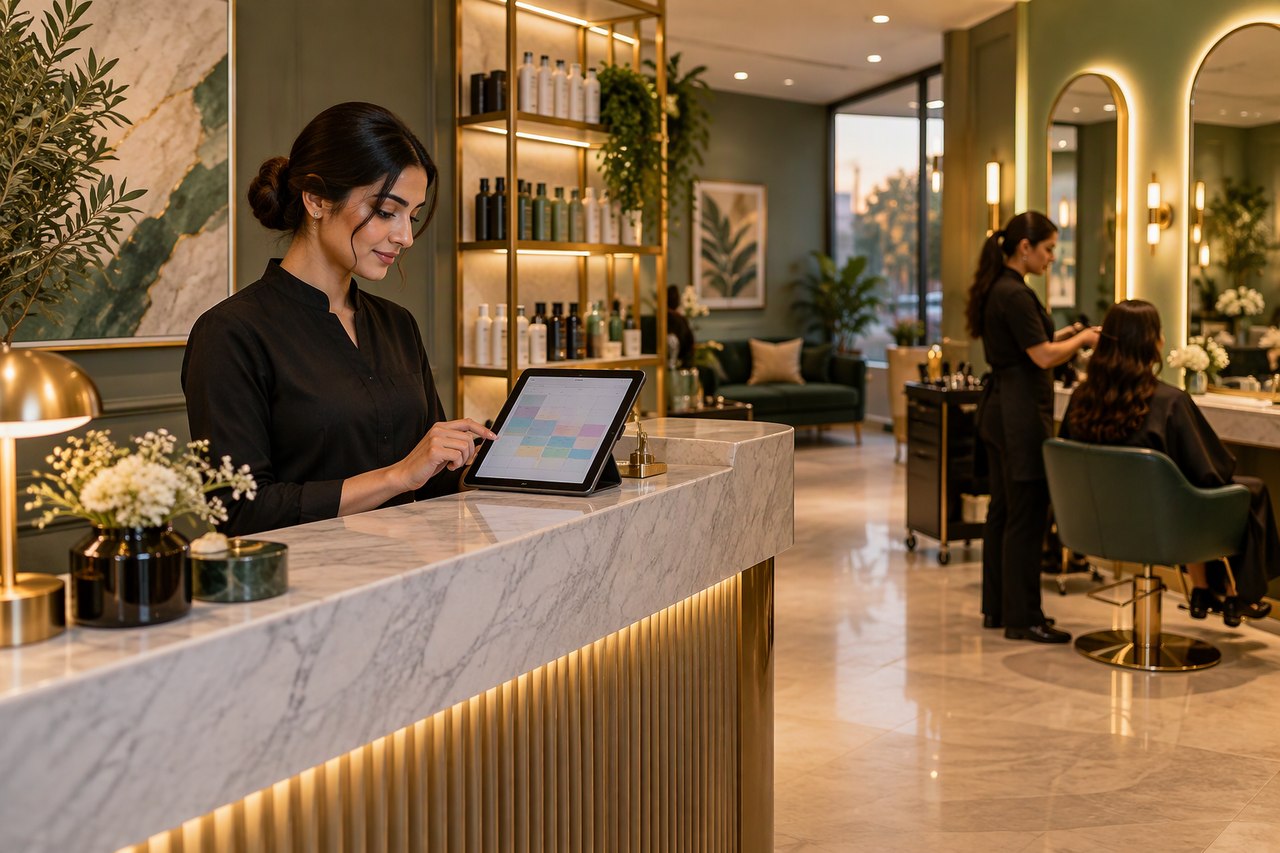
Retail products are goods, so their invoices follow FBR digital invoicing in Pakistan and ZATCA in Saudi Arabia. Salon services follow the provincial services authority — PRA in Punjab, SRB in Sindh and KPRA in Khyber Pakhtunkhwa. A single client bill can carry both a service and a retail product, with each line taxed according to its own treatment and a fiscal QR on the receipt. Supplier purchases are kept as purchase records, not sales, and the stock ledger explains every movement.
PRA eIMS · SRB · KPRA · FBR · ZATCA integration is configured in Settings → Tax Integration. See the tax integration guide.
| Authority | Covers | Where |
|---|---|---|
| PRA | Sales tax on services | Punjab |
| SRB | Sales tax on services | Sindh |
| KPRA | Sales tax on services | Khyber Pakhtunkhwa |
| FBR | Sales tax on goods | Pakistan (federal) |
| ZATCA | VAT e-invoicing | Saudi Arabia |
Frequently asked questions
Salon & spa suite
Keep exploring the modules
Every module shares the same clients, staff, services and fiscal invoices — no separate systems to reconcile.
Get started
Run your salon on one connected system
Start a free trial, add your services and staff, and see how appointments, billing, inventory and commission fit together. Our team can set up PRA or SRB integration with you.
No credit card · Salon & spa modules · PRA, SRB, KPRA, FBR & ZATCA ready